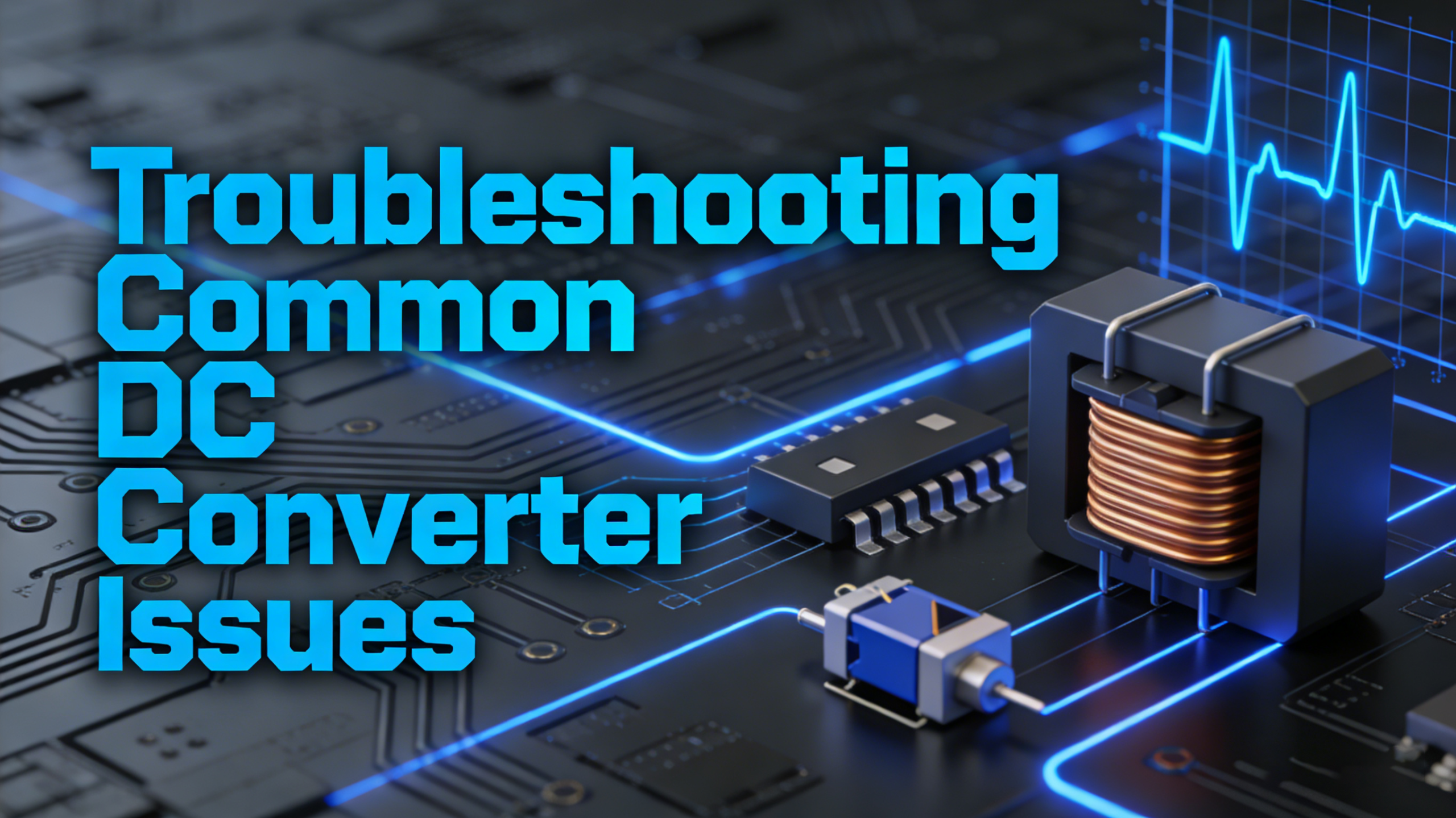


Troubleshooting Common DC Converter Issues

by Suntop
2026-01-09
In the United States, DC converters—including dc dc converter, dc dc power supply, and dc voltage converter—are essential components in countless applications, from automotive electronics and industrial machinery to residential backup power systems. Whether you’re using a dc dc converter 12v, 24v dc converter, or an adjustable dc converter, encountering issues is inevitable.
Understanding how to troubleshoot common problems not only saves time and money but also ensures the reliability and safety of your electrical systems. This guide will walk you through the most frequent DC converter issues, their root causes, and step-by-step troubleshooting solutions tailored to the U.S. market.
Understanding DC Converters: Key Basics for Troubleshooting
Before diving into troubleshooting, it’s critical to grasp the fundamental role of DC converters. A dc to dc converter (often referred to as a dc dc transformer or dc power converter) converts one direct current (DC) voltage level to another, making it compatible with specific devices. Common types in the U.S. market include dc dc converter 12v (used in cars, RVs, and small electronics), 24v dc converter (for industrial equipment and large appliances), and adjustable dc dc converter (ideal for customizable power needs).
Key terms to know: dc dc regulated power supply maintains a stable output voltage regardless of input fluctuations; dc dc module is a compact, integrated converter for space-constrained applications; dc dc connector ensures secure power transmission between the converter and devices. When troubleshooting, always start with the basics: checking power input, connections, and device compatibility.
Common DC Converter Issues and Their Troubleshooting Steps
No Output Voltage
One of the most common issues is a DC converter that produces no output voltage. This can occur with any type, from a 12v 12v dc converter to a dc dc 24v converter.
Potential Causes:
- Faulty input power source (e.g., dead battery, disconnected power cable).
- Loose or damaged dc dc connector or wiring.
- Blown fuse in the converter or input circuit.
- Internal component failure (e.g., rectifier, capacitor, or transistor).
- Incorrect input voltage (e.g., using a 24V input for a 12V-only converter).
Troubleshooting Steps:
- Verify the input power source: Use a multimeter to check if the input voltage matches the converter’s specifications (e.g., 12V for a 12 volt dc dc converter). If using a battery, ensure it’s fully charged and connected correctly.
- Inspect connections: Check all dc dc connector and wiring for looseness, corrosion, or damage. Replace any faulty connectors or frayed wires.
- Check the fuse: Locate the converter’s internal fuse (refer to the user manual) and test it with a multimeter. Replace the fuse with one of the same rating if it’s blown.
- Test the converter’s output: If the input power and connections are intact but there’s still no output, the converter may have an internal failure. Contact the manufacturer for repair or replacement, especially if it’s adc dc module or dc dc psu (power supply unit) under warranty.
Fluctuating Output Voltage
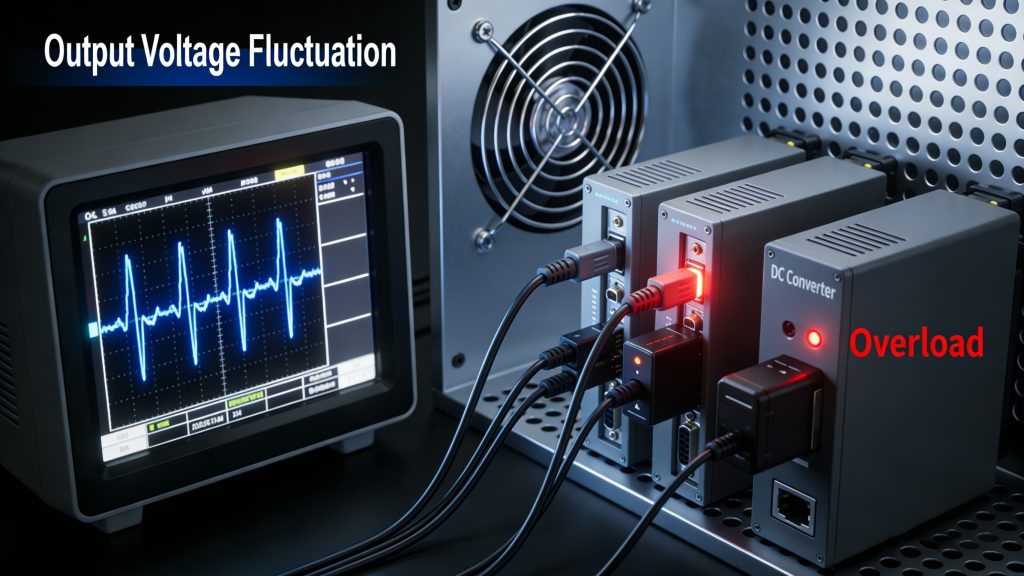
Fluctuating output voltage is another prevalent issue, particularly with dc to dc regulated power supply units that are supposed to maintain a stable voltage. This can cause devices to malfunction, overheat, or shut down unexpectedly.
Potential Causes:
- Unstable input voltage (e.g., fluctuating battery voltage in a vehicle).
- Dirty or loose connections affecting power transmission.
- Overloaded converter (output current exceeds the converter’s rated capacity).
- Faulty voltage regulator (common in dc to dc regulated power supply).
- Internal component degradation (e.g., aging capacitors).
Troubleshooting Steps:
- Monitor input voltage: Use a multimeter to track the input voltage over time. If it fluctuates significantly, address the input source (e.g., replace a weak battery, install a surge protector).
- Clean and secure connections: Remove any corrosion from dc dc connector using a wire brush and ensure all connections are tight. Corroded terminals can cause resistance, leading to voltage drops.
- Check for overload: Calculate the total power consumption of connected devices (watts = volts × amps) and compare it to the converter’s rated output. If overloaded, disconnect non-essential devices or upgrade to a higher-capacity converter (e.g., from a 10A dc dc converter 12v to a 20A model).
- Test the voltage regulator: For dc to dc regulated power supply, use a multimeter to check if the regulator maintains a stable output. If not, the regulator may need to be replaced by a professional.
- Inspect internal components: If the above steps don’t resolve the issue, open the converter (if safe and within warranty) and check for bulging or leaking capacitors. Replace any faulty components or contact the manufacturer for service.
Converter Overheating
Overheating is a serious issue that can damage the converter and pose a fire risk. It’s common in high-load applications or when the converter is used in poorly ventilated areas.
Potential Causes:
- Overload (exceeding the converter’s rated current or power).
- Poor ventilation (converter is enclosed in a tight space or covered by debris).
- High ambient temperature (e.g., mounting the converter near an engine or heater).
- Faulty cooling system (e.g., broken fan in a high-powerdc dc power converter).
- Internal short circuit.
Troubleshooting Steps:
- Immediately turn off the converter and disconnect the power source to prevent further damage.
- Check for overload: As with fluctuating voltage, verify that the connected devices don’t exceed the converter’s rated capacity. For example, a 12 volt dc dc converter rated for 5A can only power devices up to 60 watts (12V × 5A).
- Improve ventilation: Relocate the converter to a well-ventilated area, away from heat sources. Ensure there’s at least 2-3 inches of space around the converter for air circulation. If necessary, install a cooling fan or heat sink.
- Inspect for short circuits: Use a multimeter to check for continuity between the output terminals. A short circuit (zero resistance) indicates a faulty component inside the converter, which requires professional repair or replacement.
- Check the cooling system: For converters with built-in fans (e.g., large dc dc psu), ensure the fan is working properly. Clean any dust or debris that may be blocking the fan.
Unusual Noises (Humming, Clicking)
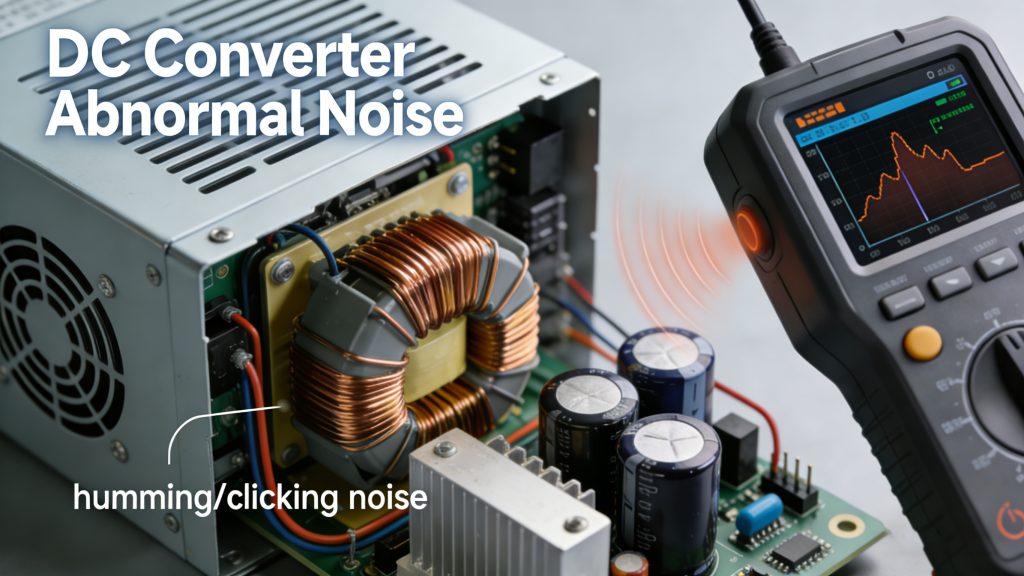
Unusual noises like humming, clicking, or buzzing from a DC converter are often a sign of underlying issues, even if the output voltage seems stable.
Potential Causes:
- Loose internal components (e.g., transformers, capacitors).
- Overload or near-overload conditions.
- Faulty switching components (common in dc dc converter with PWM technology).
- Vibrations from the surrounding environment affecting the converter.
- Input voltage fluctuations.
Troubleshooting Steps:
- Reduce the load: Disconnect some devices to see if the noise stops. If it does, the converter was likely overloaded.
- Secure the converter: Mount the converter firmly to reduce vibrations. Use rubber grommets or mounting brackets to isolate it from the surrounding structure.
- Check input voltage: Fluctuating input voltage can cause the converter’s switching components to work harder, producing noise. Stabilize the input with a surge protector or battery conditioner.
- Inspect internal components: If the noise persists, open the converter (if allowed) and check for loose components. Tighten any loose screws or connectors. If components like the dc voltage transformer are damaged, replace the converter.
Output Voltage Too High or Too Low
An output voltage that’s consistently too high or too low (outside the converter’s specified range) can damage connected devices. This is particularly problematic for sensitive electronics like computers or medical equipment.
Potential Causes:
- Faulty voltage regulator (the core component of dc to dc regulated power supply).
- Incorrectly adjusted adjustable dc converter (user error in setting the output voltage).
- Aging or damaged internal components (e.g., resistors, capacitors).
- Input voltage outside the converter’s operating range.
- Loose or corroded connections causing voltage drops (for low output) or irregular current flow (for high output).
Troubleshooting Steps:
- Verify the output voltage: Use a multimeter to measure the output voltage and compare it to the converter’s specifications. For an adjustable dc dc converter, double-check the adjustment settings and readjust if necessary.
- Check the input voltage: Ensure the input voltage is within the converter’s operating range (e.g., 10-15V for a 12v dc dc converter).
- Inspect connections: Clean and tighten all dc dc connector and wiring. Corroded or loose connections are a common cause of low output voltage.
- Test the voltage regulator: For regulated converters, the regulator may need to be tested or replaced by a professional. A faulty regulator can cause both high and low output voltage issues.
- Replace aging components: If the converter is older, aging capacitors or resistors may be the culprit. Replace these components (if you have the technical expertise) or replace the entire converter.
Preventive Maintenance Tips for DC Converters in the U.S. Market
Preventing issues is always better than troubleshooting them. Here are some tips to keep your dc dc converter, dc dc power supply, and other DC converter types running smoothly:
- Choose the right converter for the application: Ensure the converter’s voltage, current, and power ratings match your devices’ needs. For example, use a 24v dc converter for 24V devices and a12v dc dc converter for 12V electronics.
- Mount the converter properly: Install it in a well-ventilated area, away from heat sources, moisture, and vibrations. Follow the manufacturer’s mounting guidelines.
- Regularly inspect connections: Check dc dc connector and wiring for corrosion, looseness, or damage every 3-6 months. Clean corroded terminals with a wire brush and replace faulty components.
- Avoid overloading: Never connect devices that exceed the converter’s rated capacity. Use a converter with a slightly higher capacity than needed to account for peak power demands.
- Use surge protectors: Install a surge protector between the input power source and the converter to protect against voltage spikes, which are common in the U.S. electrical grid.
- Follow the manufacturer’s guidelines: Adhere to the recommended operating conditions, maintenance schedules, and warranty terms. Regularly check for firmware updates (for smart converters).
When to Replace Your DC Converter
In some cases, troubleshooting may not resolve the issue, and replacement is the safest option. Consider replacing your DC converter if:
- The converter has a history of frequent overheating or voltage fluctuations, even after maintenance.
- Internal components are visibly damaged (e.g., bulging capacitors, burnt circuits).
- The converter no longer meets your power needs (e.g., you’ve upgraded your devices to higher power requirements).
- The converter is out of warranty and repair costs exceed the cost of a new one.
- The converter fails to meet safety standards (e.g., it doesn’t have UL certification, which is important for electrical products in the U.S.).
Conclusion
Troubleshooting common DC converter issues—such as no output voltage, fluctuating voltage, overheating, unusual noises, and incorrect output voltage—requires a systematic approach. By starting with the basics (input power, connections) and moving to more complex components (voltage regulators, internal circuits), you can resolve most issues quickly. Remember to follow preventive maintenance tips to extend the life of your dc dc converter, dc dc power supply, or dc voltage converter.
For users in the United States, choosing UL-certified converters and ensuring compatibility with the U.S. electrical grid are critical for safety and reliability. If you’re unsure about troubleshooting or replacing a converter, consult a professional electrician or contact the manufacturer for support.
SUNTOP
Founded in 2000, Suntop is one of the leading global distributors of electronic components, dedica ted to providing comprehensive procurement and supply chain services to the global electronics manufacturing industry. Our services include distribution, spot trading, PPV cost-saving projects, and inventory management. We not only offer high-quality products but also strive to assist our clients in achieving optimal solutions with minimal time and cost.
Suntop is a popular choice for those seeking electron devices and circuits due to their competitive pricing and reliable service. They cater to both small-scale hobbyists and large-scale manufacturers, ensuring that every customer finds what they need.

SHARE: